How to Use TeePublic Tags to Skyrocket Your Design Sales: The Ultimate SEO Guide
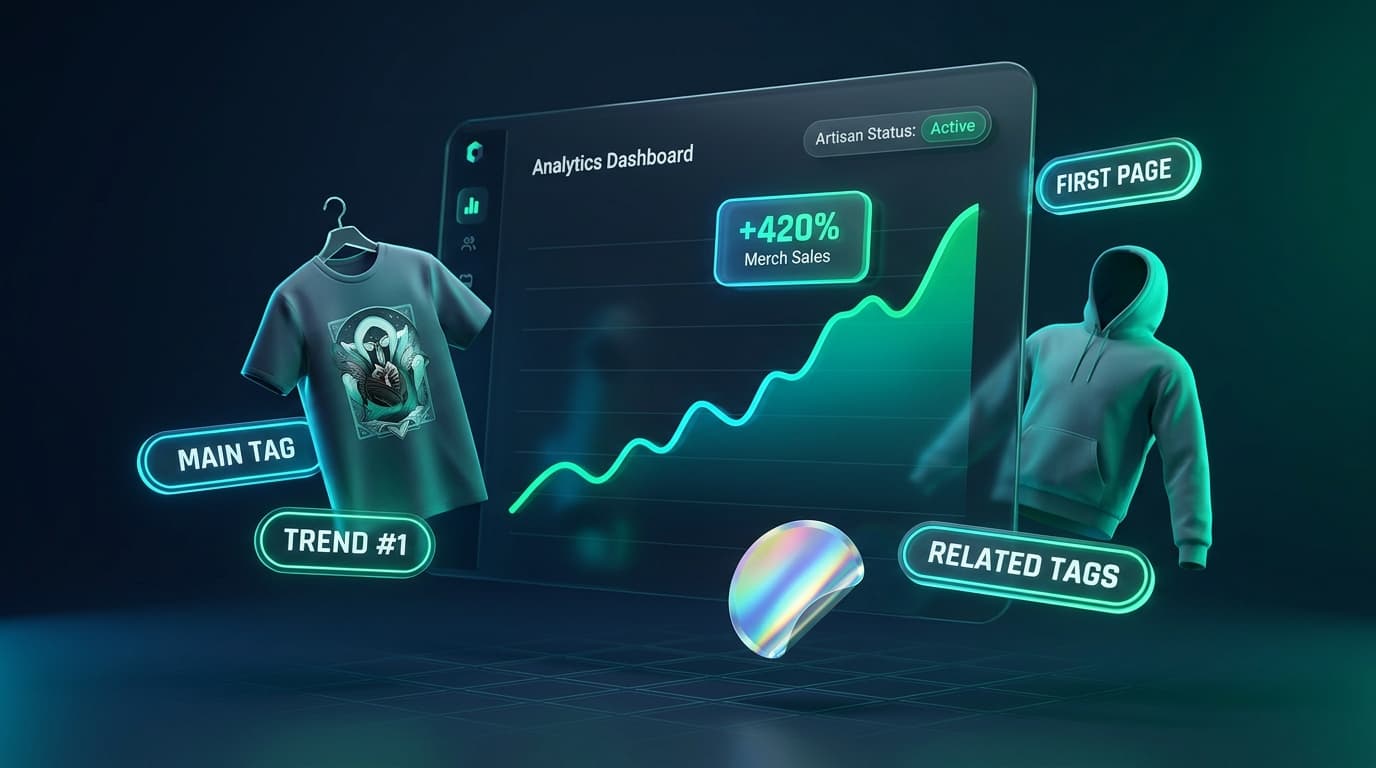
Every day, thousands of talented designers and print-on-demand (POD) creators upload stunning artwork to TeePublic, only to be met with total radio silence: zero views, zero favorites, and zero sales. In a marketplace catalog spanning tens of millions of apparel and merch items, having beautiful artwork is only table stakes.
The difference between a store that struggles to hit $10 a month and a shop pulling steady four-figure royalties isn’t artistic talent—it is search positioning and tag architecture. TeePublic operates under a proprietary algorithmic hierarchy where your Main Tag, supporting tags, title synergy, and account standing dictate whether your design is featured on Page 1 or lost in an algorithmic abyss.
In this guide, we break down exactly how the TeePublic search engine works, how to navigate the critical Artisan vs. Apprentice account tiers, what apparel and merch buyers actually type into the search bar, and how the TeePublic Tags Research Chrome Extension uncovers hidden high-converting keywords in seconds.
The Modern TeePublic Reality: Artisan vs. Apprentice TiersCrucial
Since TeePublic introduced account tiering, accounts categorized as Artisan receive full search visibility, inclusion in external Google Shopping feeds, internal marketplace recommendations, and higher royalty payouts ($4.00 per regular shirt sale). Conversely, Apprentice accounts are suppressed from general search.
The #1 factor that triggers algorithmic penalties or locks accounts into Apprentice tier? Keyword spamming, irrelevant tagging, and automated low-effort uploads. Strict, accurate tag relevance is essential not just for rankings, but for protecting your entire store’s status.
1TeePublic's Dual-Layer Tag Architecture
Unlike platforms that treat all tags as an undifferentiated bag of words, TeePublic splits metadata into two distinct operational layers: your Main Tag and your Supporting Tags.
The Main Tag
The single most powerful ranking factor in TeePublic's entire taxonomy. You get exactly one per design.
- Dictates URL Slug: Generates the live canonical URL (e.g.,
/t-shirt/main-tag/design-title). - Primary Search Index: Injects your listing into TeePublic's curated directory for that specific phrase.
- Related Product Rails: Determines which competitor designs your product displays next to in bottom recommendation sliders.
Supporting Tags (Up to 14)
Secondary contextual keywords that branch out your discoverability across long-tail queries and semantic clusters.
- Aesthetic & Style: Captures artistic treatments (e.g., linocut, retro 80s synthwave, vintage distressed, watercolor).
- Target Buyer / Persona: Defines who the product is for (e.g., gifts for book lovers, programmer humor, cat dad).
- No Redundancy: Repeating variations like cat, cats, kitty, kitties wastes precious tag slots without adding algorithmic reach.
2Buyer Psychology: What Merch Shoppers Actually Search
Print-on-demand shoppers do not browse TeePublic like a gallery. They are looking to express personal identity, show off a quirky subculture, celebrate a profession, or buy a hilarious birthday gift. If your keywords don't align with how real humans speak and search, your listings remain invisible.
"coffee shirt, funny, illustration, cool graphic, design, cute art, drawing"
Result: 0 conversions. Saturated by 500,000+ items; buyers never search generic terms like "illustration".
"introverted coffee lover, caffeine goblin, retro espresso bar, coffee addict humor, gift for barista"
Result: High conversion. Low competition, high buyer intent, clear gifting purpose.
3Decoding the Chrome Extension Intelligence Engine
The biggest mistake POD sellers make is manually guessing tags or using generic AI chat prompts that know nothing about TeePublic's live database. The TeePublic Tags Research Extension injects an interactive analytics HUD directly over any TeePublic search page, extracting unfiltered metadata from Page 1 bestsellers.
Trending Directory Leaderboard
Matches the keyword against TeePublic's official live trending tags leaderboard and displays its exact rank position. Ride viral waves before niches get oversaturated.
Main Tag Frequency
Reveals how many Page 1 ranking designs chose this keyword as their primary Main Tag. If 8 out of 10 bestsellers use it, you have found the definitive anchor.
Top 3 Bestseller Infiltration
Highlights tags shared specifically by the top 3 bestselling listings on the page—the highest velocity revenue generators on TeePublic.
Related Tags Semantic Graph
Shows whether TeePublic's internal recommendation engine considers this tag semantically tied to the search phrase, boosting cross-pollination.
Title Synergy Index
Calculates how many ranking designs include this term in their visible title, verifying whether incorporating it in your product title drives higher search weight.
Buyer Query Discovery
Extracts terms suggested under "People Also Search For", giving you direct insight into actual customer query strings and search habits.
Competitor & Shop Distribution
The extension crunches the author footprint across Page 1. If 3 mega-shops dominate 70% of the listings with repetitive variations, the niche is heavily guarded. If Page 1 is shared among 30+ unique creators, the niche is wide open for a superior design to capture sales immediately.
1-Click Google Trends Validation
Select up to 5 keywords and launch a comparative Google Trends graph in a single click. Instantly distinguish between temporary viral spikes that will fade next week and evergreen demand trends that produce royalties year after year.
4The 5-Step Proven Workflow to Rank on Page 1
Identify Niche Opportunities
Search your core concept on TeePublic. Look at the total page count at the bottom. If max pages are 5–15 with steady bestseller presence, you have found an ideal balance of buyer interest and beatable competition.
Lock In Your Main Tag
Examine the red MAIN and yellow FIRST badges in the extension HUD. Pick the specific high-frequency phrase that precisely describes your artwork. Never make your Main Tag overly broad or off-topic.
Select 10–14 High-Yield Supporting Tags
Mix tags bearing REL, PEOPLE, and high occurrence counts. Ensure you cover art style, humor type, and recipient personas. Click Copy Selected to grab them in clean comma-separated format.
Engineer Title and Description Synergy
Seamlessly include your Main Tag inside your product title (e.g., "Retro Vintage D20 Dice - Tabletop RPG Master"). Write a 2–3 sentence natural description reinforcing your primary keywords.
Publish and Monitor Indexing
Once published, check that your design populates under the Main Tag category directory. Because your metadata strictly aligns with buyer searches, your conversion rate stays high—reinforcing your Artisan account standing.
5Watch the Extension in Action
See how top earners inspect competitor tags, extract winning keyword sets, and analyze trending topics live on TeePublic:
Get 50% Off Your First Month
Unlock unlimited keyword extractions, live trending ranks, Google Trends integration, and deep author analysis with the TeePublic Tags Research tool.
Stop Guessing, Start Dominating TeePublic Search
In print-on-demand, the best design rarely wins on its own. The designs that sell consistently are the ones positioned directly in front of motivated buyers at the exact moment of search intent.
By mastering the relationship between your Main Tag and supporting tags, aligning with buyer search psychology, and leveraging real-time data from the TeePublic Tags Research Extension, you transform your TeePublic store from a hobby into a predictable, passive income asset.